Teacher Hub Personal Edition
Your own classes, in one encrypted file on your computer
A teacher's daily admin (timetable, classes, registers, homework, marks) in the browser, with every learner's data in one encrypted file on the teacher's own computer. No server, no account, no data sent anywhere.
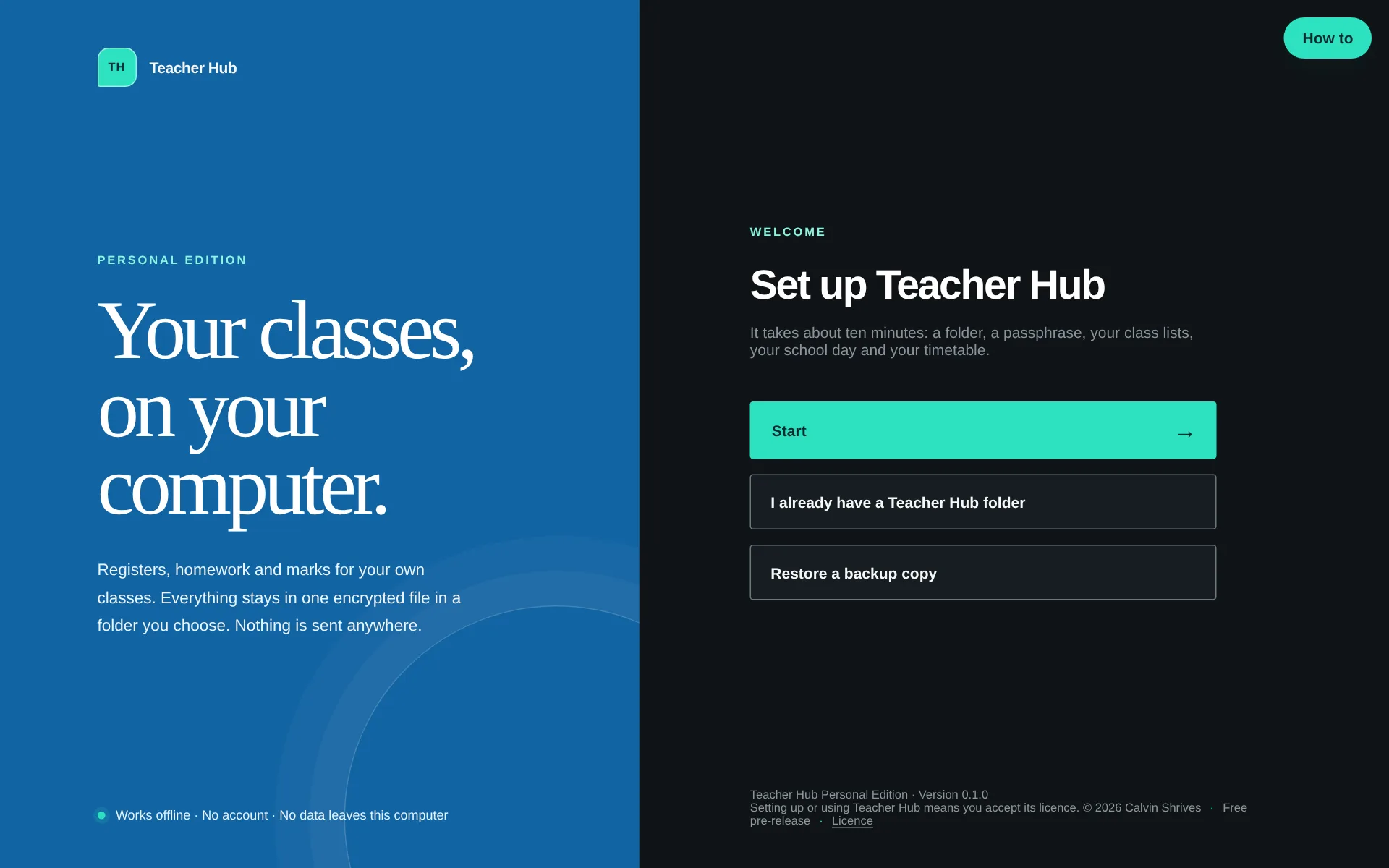
For a teacher whose school doesn't run Teacher Hub
One teacher runs it alone, and no learner data ever leaves their computer. It has the same tabs as the school version for a teacher's own classes; what it leaves out is what belongs to the school (the office, management, other teachers' classes).
How it works
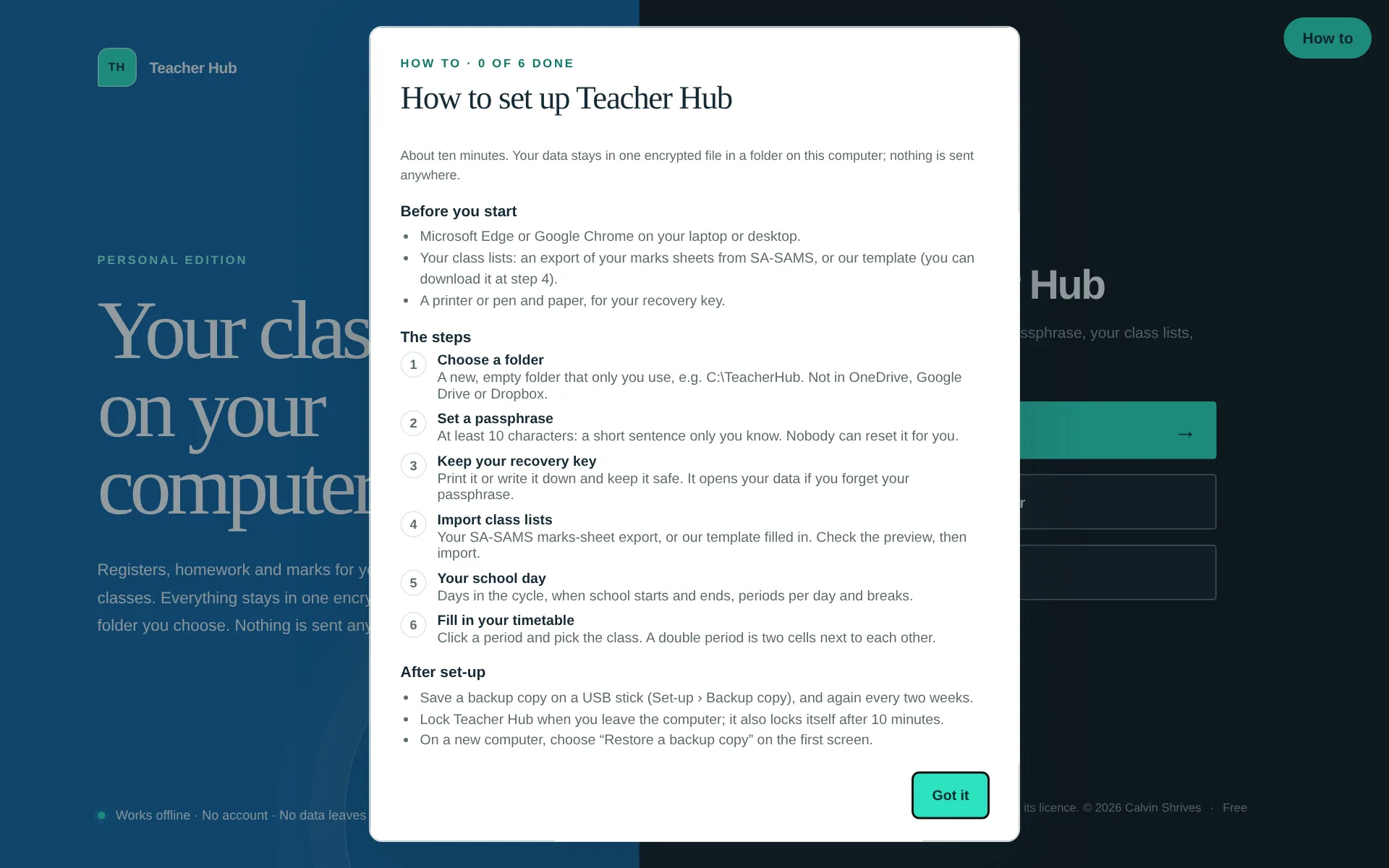
- Open the site and pick a folder on your own computer, for example
C:\TeacherHub. Choose one that isn't synced to OneDrive, Google Drive or Dropbox. - Choose a passphrase, and print or write down the recovery key.
- Import your class lists: our Excel template, or the marks-sheet exports from SA-SAMS, several at once.
- Set your school day and click in your timetable on its Day 1..N cycle.
From then on the app keeps everything in one encrypted file in that folder. The site only delivers the code; after the first load it runs offline, and it updates only when you click Update now.
The tabs
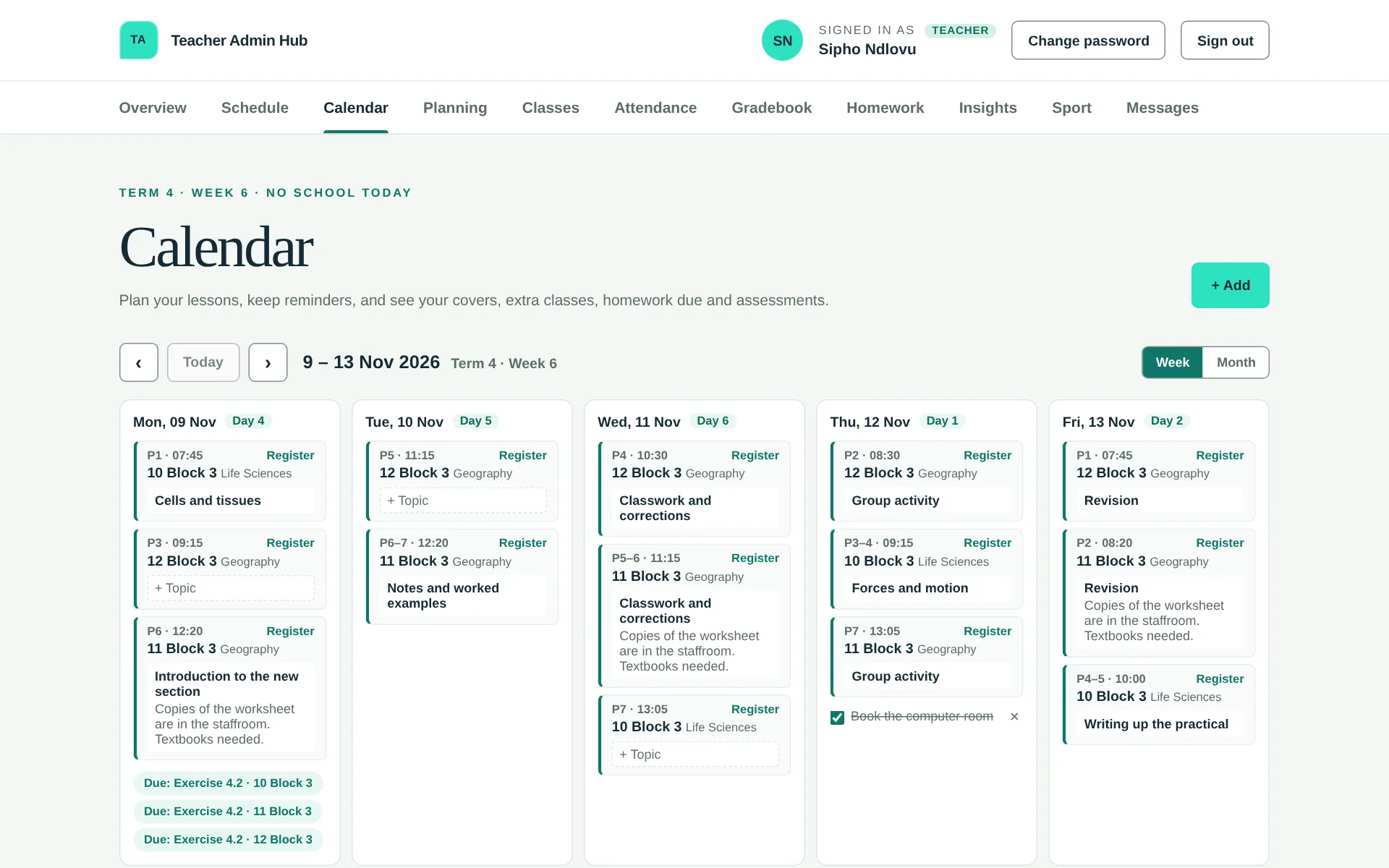
| Overview | Today's classes, homework due soon, recent assessments, and your classes at a glance (attendance over 28 days, average mark) |
|---|---|
| Schedule | Your timetable by cycle day, with that day's bell times |
| Calendar | A planner: each day's lessons and their topics, homework due and reminders, by week or month; the school calendar starts with the DBE's |
| Planning | The year by term and week, its topics on your lessons, and links to the CAPS documents; export to Excel |
| Classes | Class lists and a profile per learner, with contacts; add, change and mark learners who left |
| Attendance | The lesson register, with comments and tags; print registers for load-shedding and capture them later |
| Gradebook | Assessments and marks by term; each class's average side by side, or the mark book; export in the SA-SAMS marks sheet's layout |
| Homework | Set it for one class or several at once, and tick it Done or Not done |
| Insights | Who needs attention and why, the attendance grid with your notes, and the figures |
| Set-up | Class lists, timetable, bell times, school years, auto-lock, passphrase, recovery key, backups |
Extra classes after school are there too, on the Schedule and the Calendar.
Where your data lives
hub.thubholds everything, compressed and encrypted (AES-256-GCM). The key is wrapped with your passphrase and with the printed recovery key.- The last three saves are kept beside it. If
hub.thubis ever damaged, unlocking offers the newest one that opens. - It reminds you to save a backup copy (still encrypted) somewhere you choose, and restores one into a new, empty folder.
- It locks itself after 10 minutes without use (you can change that).
Without the passphrase or the recovery key, nobody can open these files, including the people who make this app.
It's small and quick: a fictional school year for one teacher (280 learners, about 25,000 register rows) is a 157 KB file, saved in 35 ms and unlocked in under a tenth of a second.
What you need
- A computer with desktop Edge or Chrome. The app needs a browser feature (the File System Access API) to keep its file in a folder you choose, so it doesn't work on phones, or in Firefox or Safari.
- Nothing to install, and no account.
What it leaves out
- The other roles: grade head, HOD, principal / deputy, the office. Their features belong to the school.
- Anything that needs other teachers' data, such as management figures.
- Sync between devices. One file is the single source of truth; moving devices means copying the file.
- Discipline, sport and messages to parents, which need the school.
- Replacing SA-SAMS / SASPAC. They stay the official record; the Personal Edition feeds them through exports.