Try the demos

See it working

Both demos hold only made-up people. Please never type in a real learner's details.

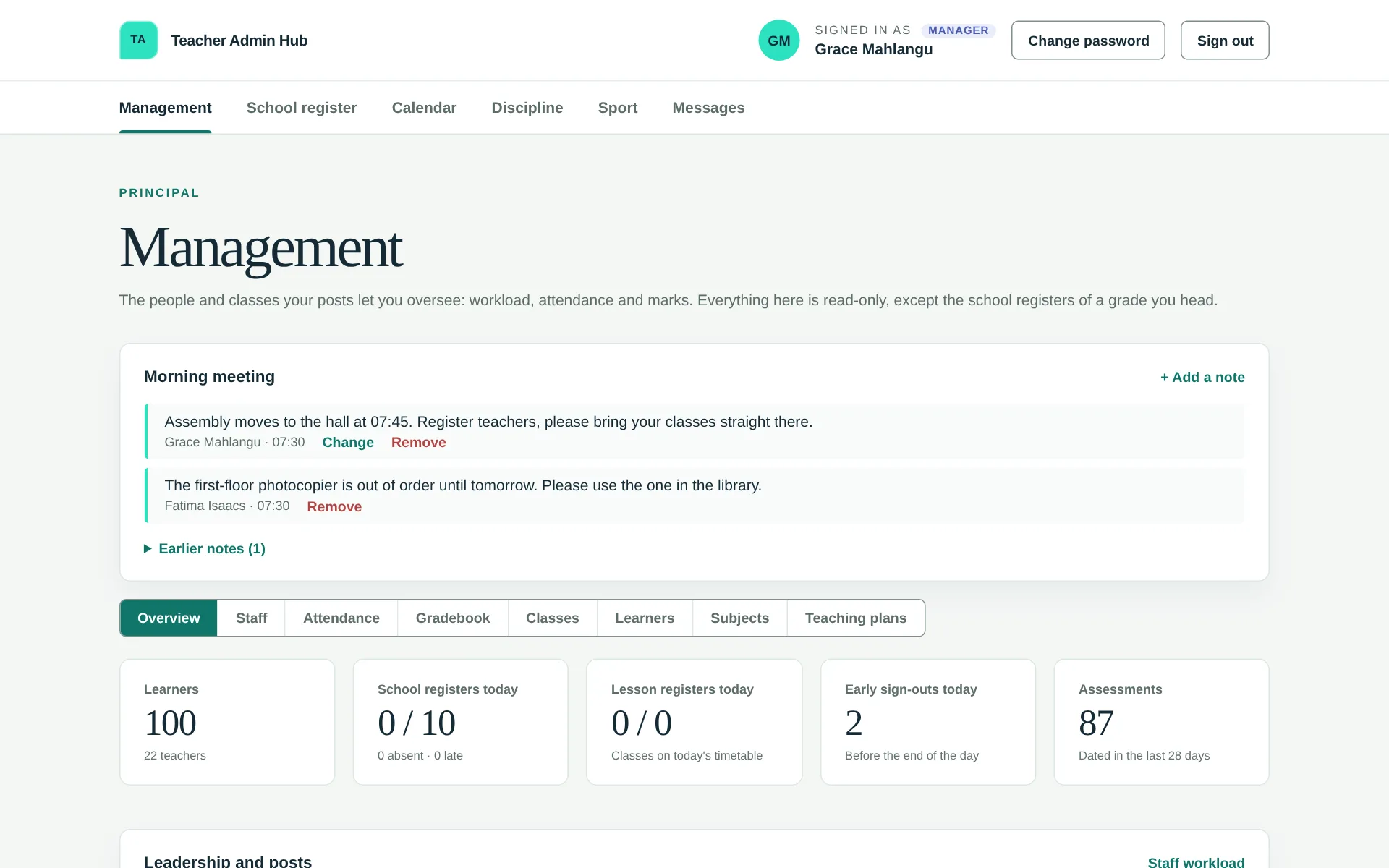
The demo school's Management tab

For schools

The demo school

A fictional school with grades 8–12, 20 teachers and 100 learners, and six ready-made logins: the principal, a deputy, an HOD, a grade head, a teacher and the school office. Some of them also coach the demo's sports teams.

How you get in

  1. Open the demo and type your email address.
  2. You receive a 6-digit code by email; type it in. No account is needed.
  3. The demo's login page lists the accounts: pick one.

Good to know

  • Everyone shares the same demo accounts, so what you type is seen by the next visitors until the demo resets itself, after 30 minutes without activity.
  • Works on a phone, tablet or PC.
  • Cloudflare, which guards the demo, keeps a log of the email addresses that sign in.
Open the demo school
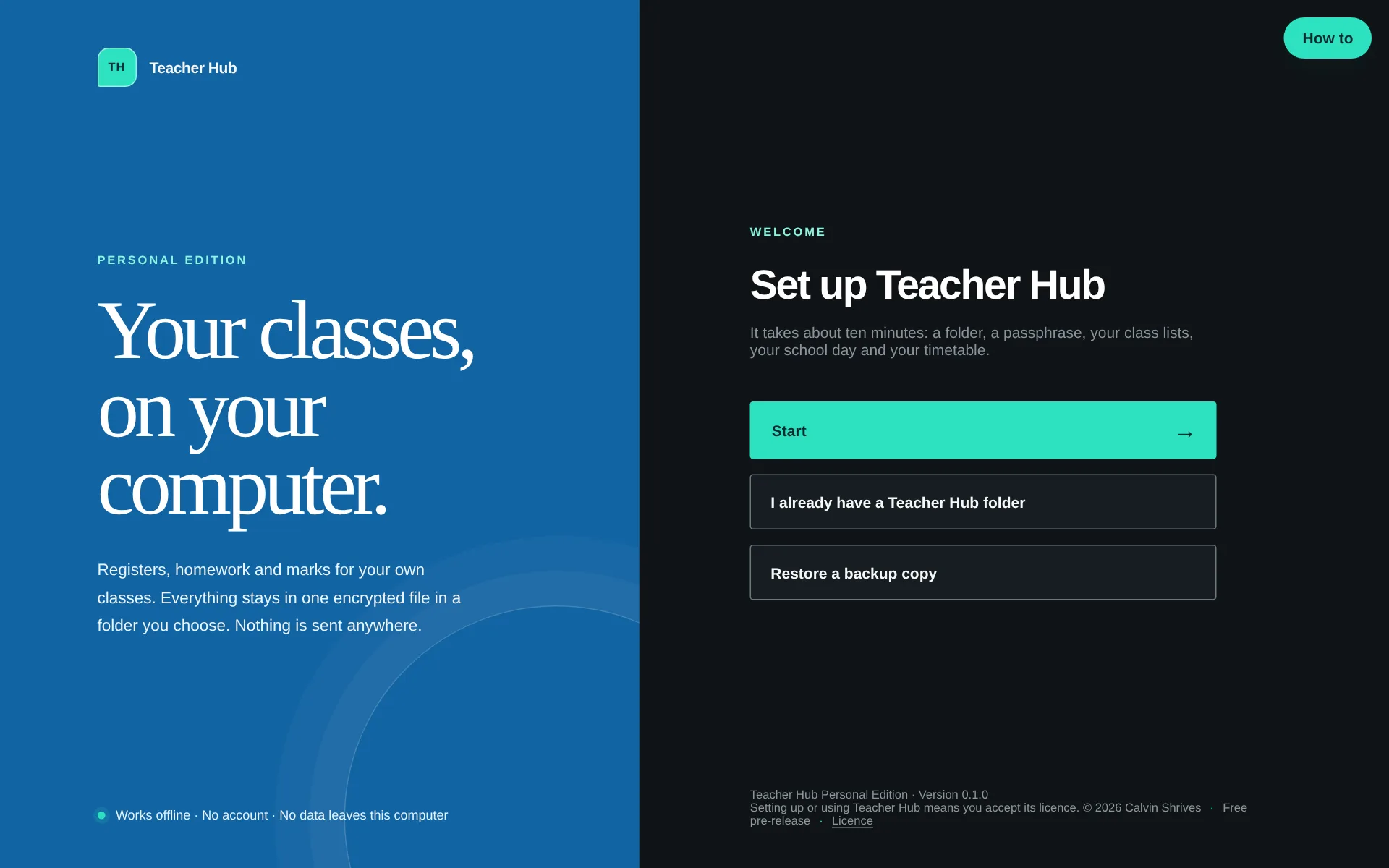
The Personal Edition's welcome screen

Personal Edition

The Personal Edition

The real app, open to anyone. You set it up as a teacher would: pick a folder, choose a passphrase, import class lists.

Before you start

  • Use desktop Edge or Chrome on a computer: it doesn't work on phones, or in Firefox or Safari.
  • Make an empty folder to try it in, for example C:\TeacherHub-test, that isn't synced to OneDrive, Google Drive or Dropbox.
  • Your file is saved only on your computer, encrypted. Nothing is sent to us.
  • The "How to" guide opens by itself and ticks off each step. You can download the class-list template from the import step.
Open the Personal Edition

The demos run on a small server, so now and then one may be offline for a while. If it is, please try again later, or let us know.